
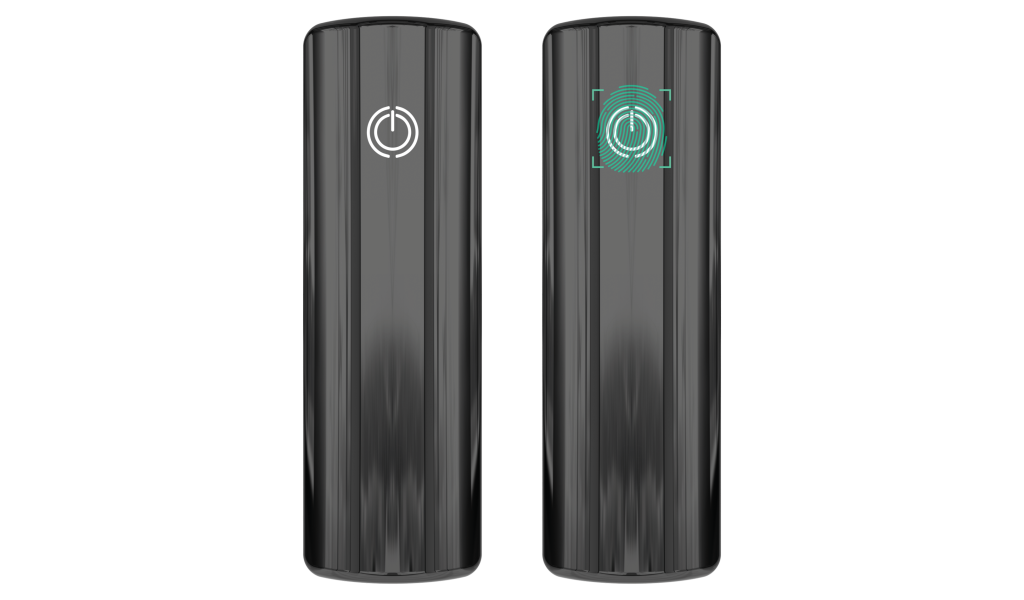
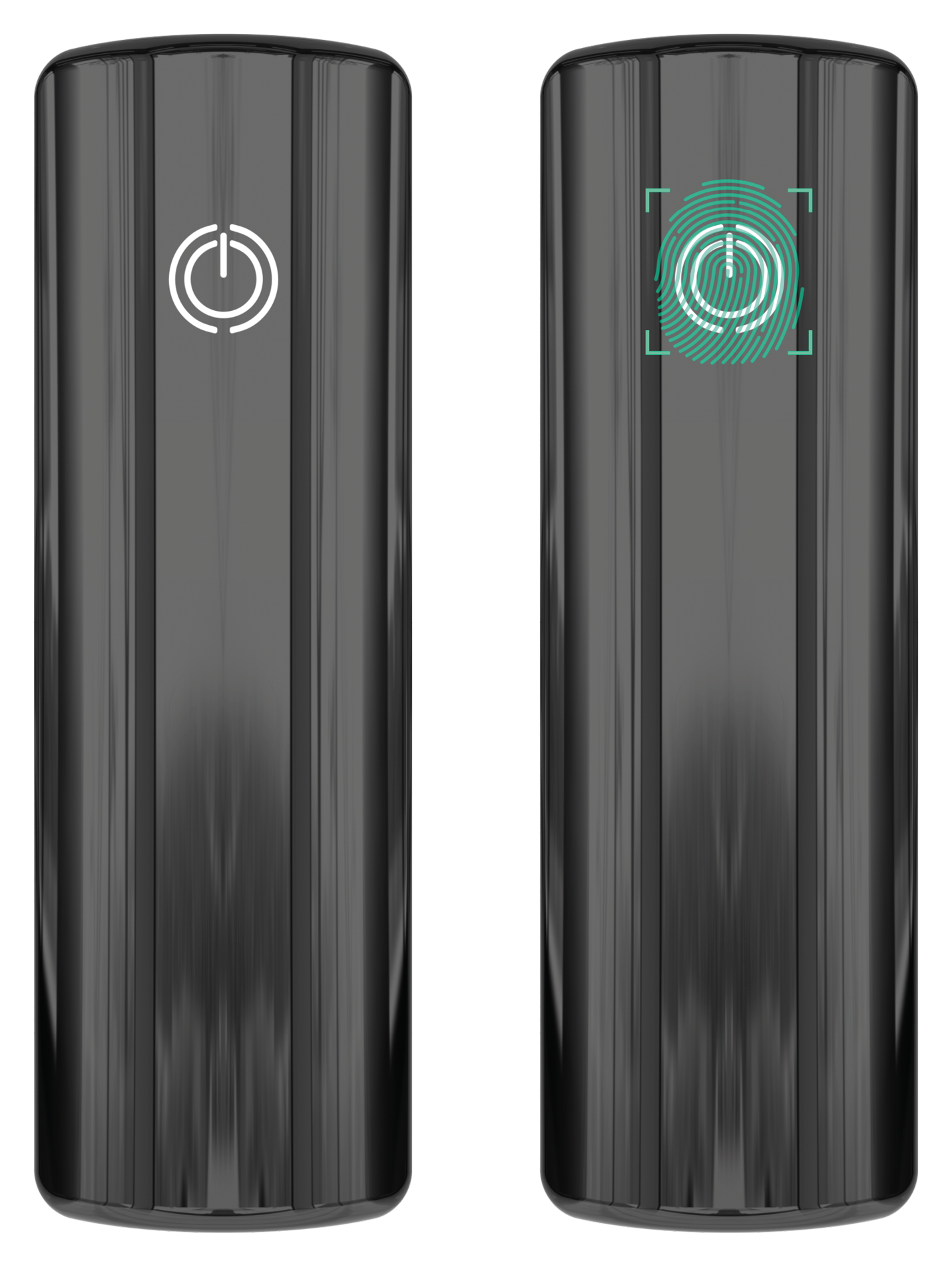
After connecting the product to the power supply, the indicator on the power button will light up. Press the power button to start the product.
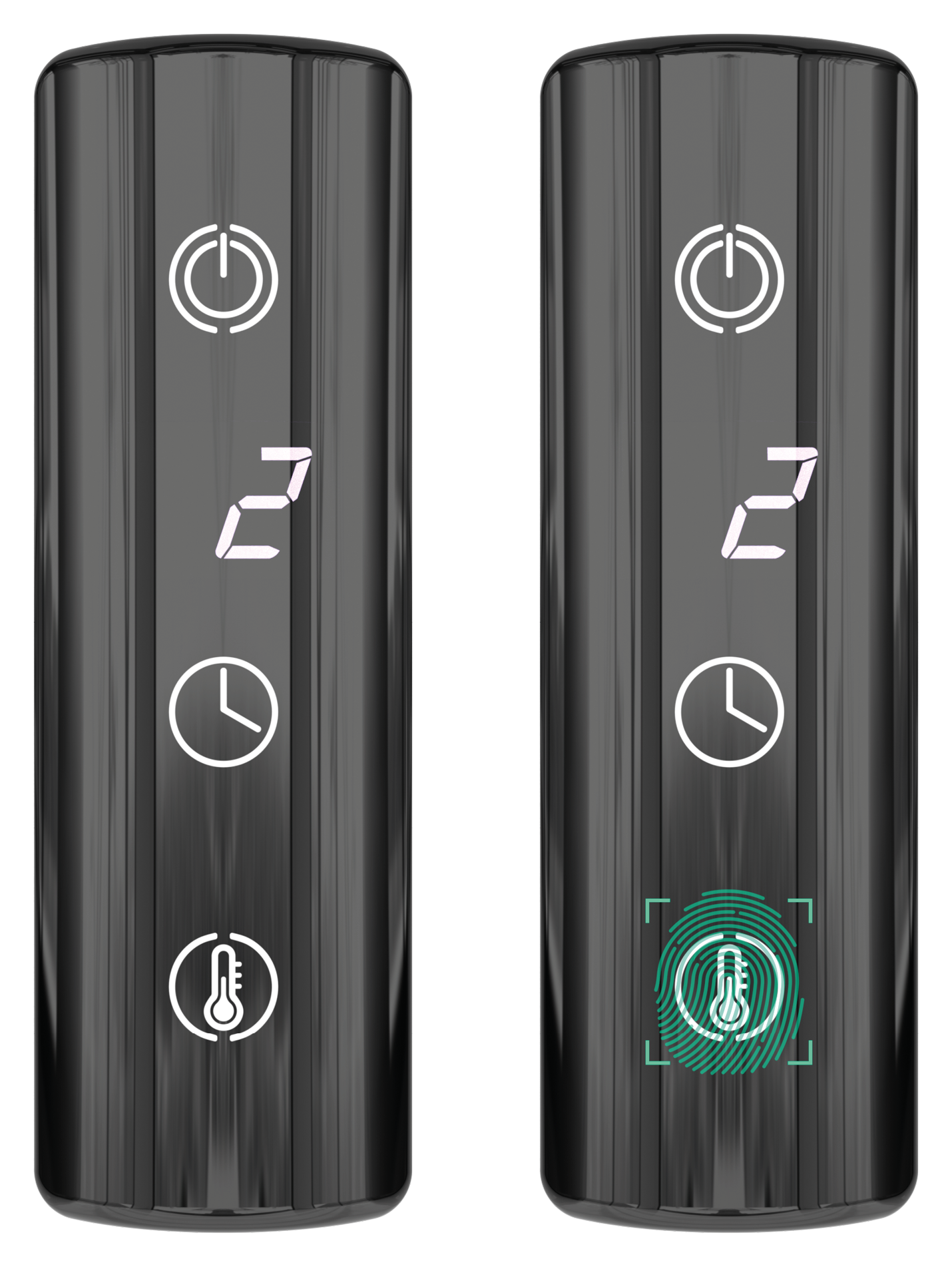
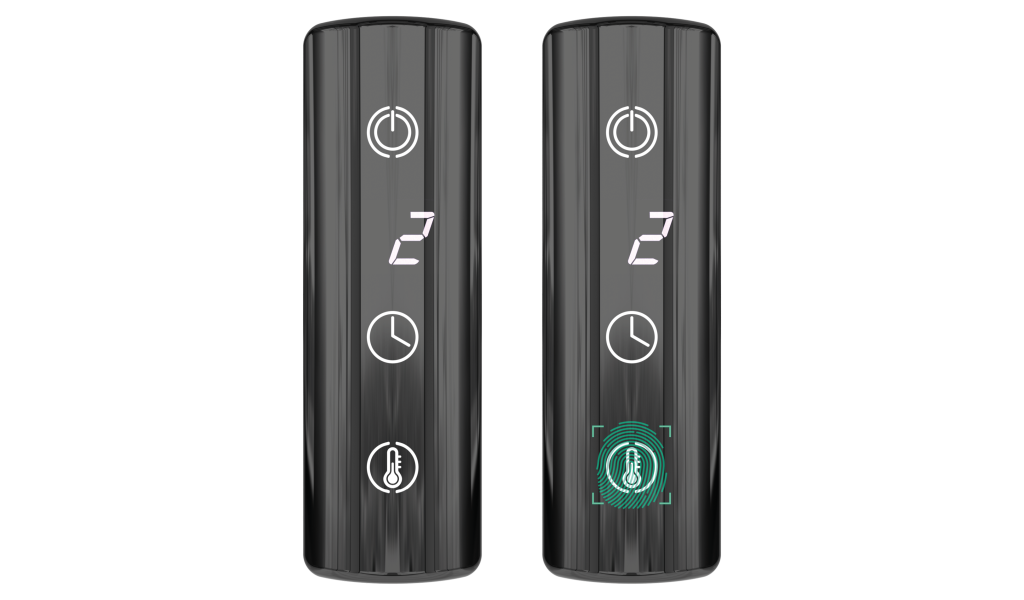
After turning on the product, the heating temperature selection menu will appear on the screen. The available range is from 1 to 5 levels, which corresponds to 30–70 °C with an interval of 10 °C. After the flashing stops, the selected temperature is considered fixed, and you can proceed to setting the heating time (timer).
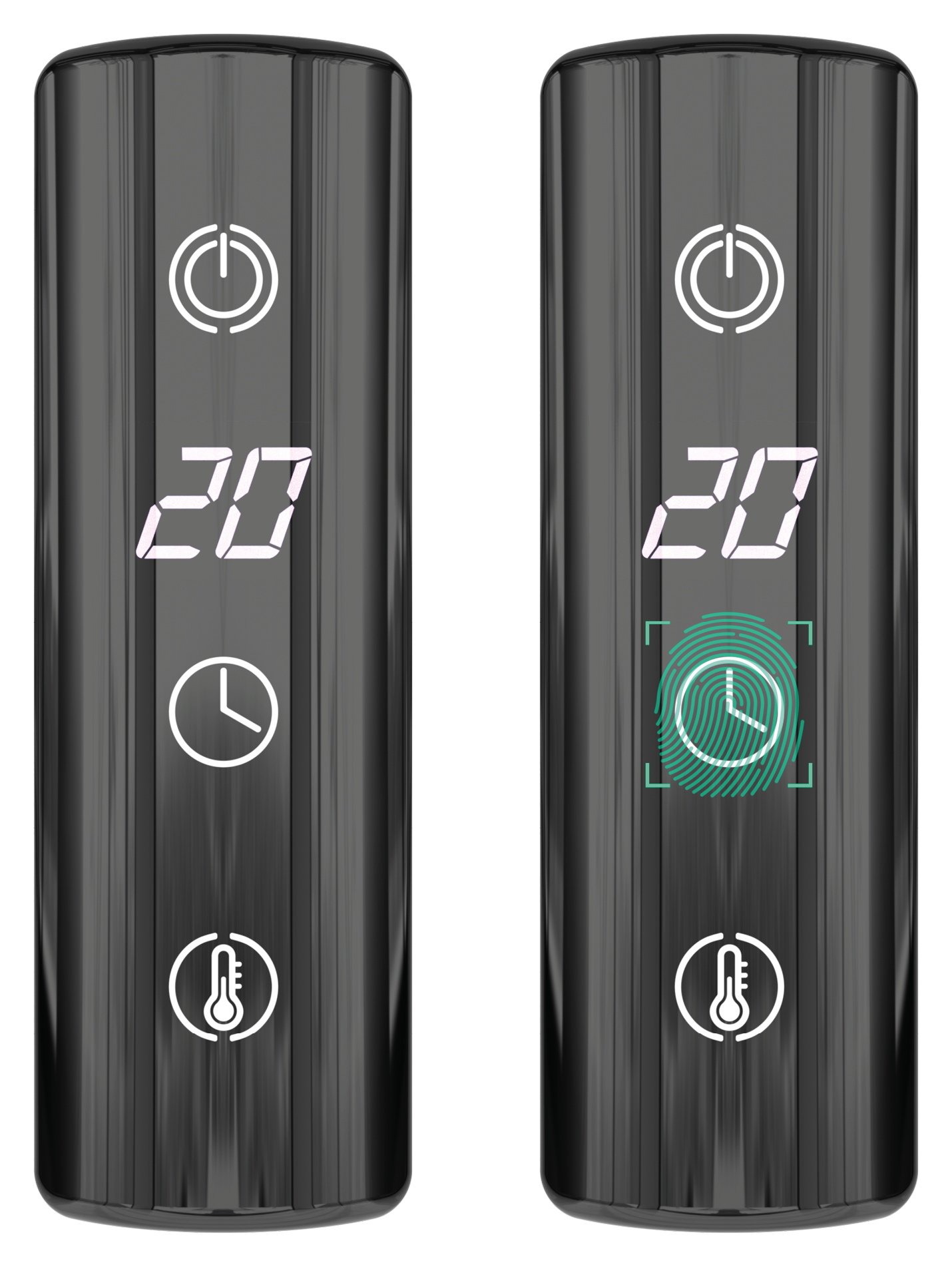
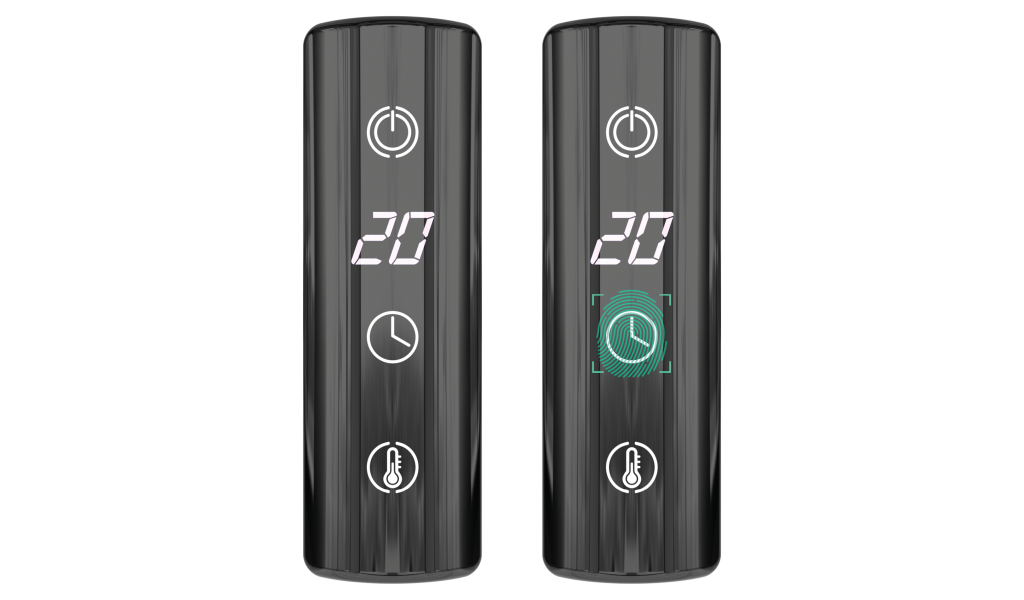
After selecting the temperature, you need to set the product operating time (timer). The possible setting range is from 1 to 24 hours. After the flashing stops, the selected time is considered fixed.
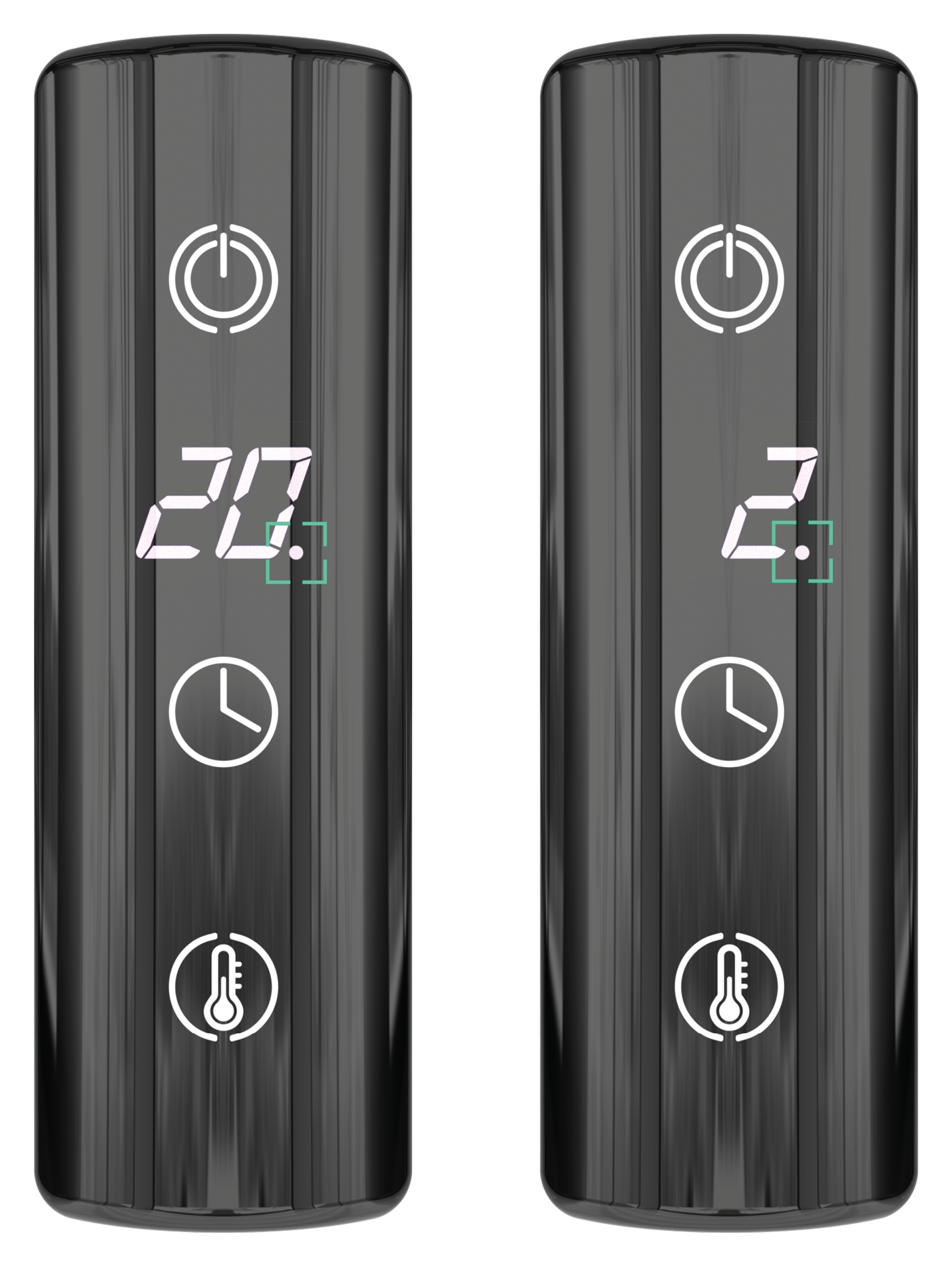
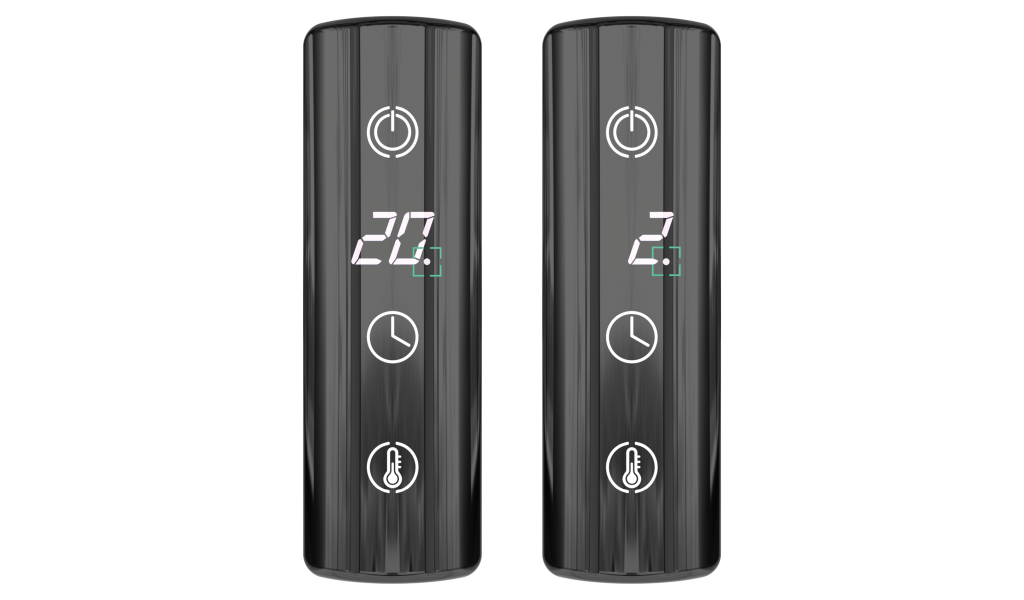
After all settings are completed, the product starts operating according to the set parameters. The dot indicator on the screen flashes periodically, and the display switches cyclically between the selected temperature and the set operating time.
To turn off the product, press the same button used to turn it on.
ATTENTION! The temperature must be set every time the product is turned on - otherwise the heating will not start. After selecting the temperature, go to the timer. You do not need to change the timer value: just wait until the number stops flashing.

Write a comment